
Start earning in minutes. Vaults remove the complexity of liquidity management. You deposit assets, and the strategy handles the rest.Documentation Index
Fetch the complete documentation index at: https://docs.orca.so/llms.txt
Use this file to discover all available pages before exploring further.
The basic idea
Vaults are simple: Deposit → Strategy runs → Yield accrues → Withdraw No active management required.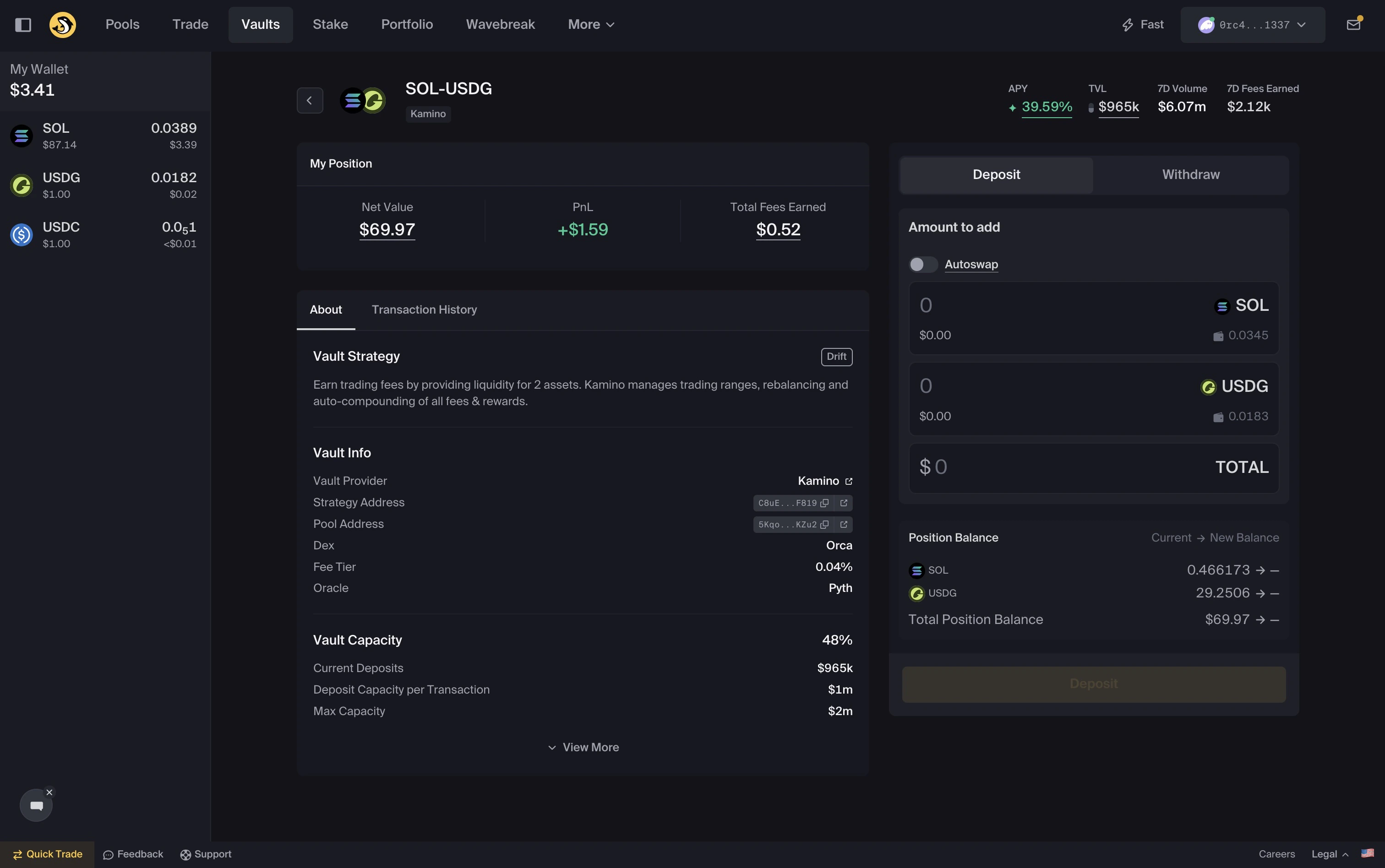
Deposit and withdraw with one token
Orca’s vaults support single-sided deposits and withdrawals. You can enter or exit a position using just one asset. Orca’s autoswap swaps into the required token pair in the background. For example:- Deposit using just SOL into a SOL–USDC Vault
- Withdraw entirely into USDC
What you will need
Before using Vaults:- A funded and connected wallet
- At least one of the required token pair for your chosen Vault
- Enough SOL to cover network fees
Quick start
Choose your Vault
Choose your Vault
Browse available Vaults and compare:
- APY
- TVL
- Token pair
Deposit
Deposit
- Select a Vault and enter your deposit amount. You can deposit one or both tokens.
- Confirm the transaction in your wallet.
- Your position is created
- Funds are allocated by the strategy
Earn
Earn
After depositing:
- Your position begins earning yield
- Earned yields are compounded automatically
- Performance updates over time
Track your position
Track your position
View your Vault positions in Portfolio:
- Total value
- APY
- PnL
Withdraw
Withdraw
Withdraw any or all of your position at any time:
- Open your position
- Select Withdraw
- Choose to receive one or both tokens. Single-token withdrawals are automatically swapped for you.
- Confirm the transaction
Notes
- Deposits may be disabled if a Vault reaches capacity
- Always verify balances in your wallet after transactions
- Network conditions may affect confirmation times