
Deposit assets into a Vault to start earning yield.Documentation Index
Fetch the complete documentation index at: https://docs.orca.so/llms.txt
Use this file to discover all available pages before exploring further.
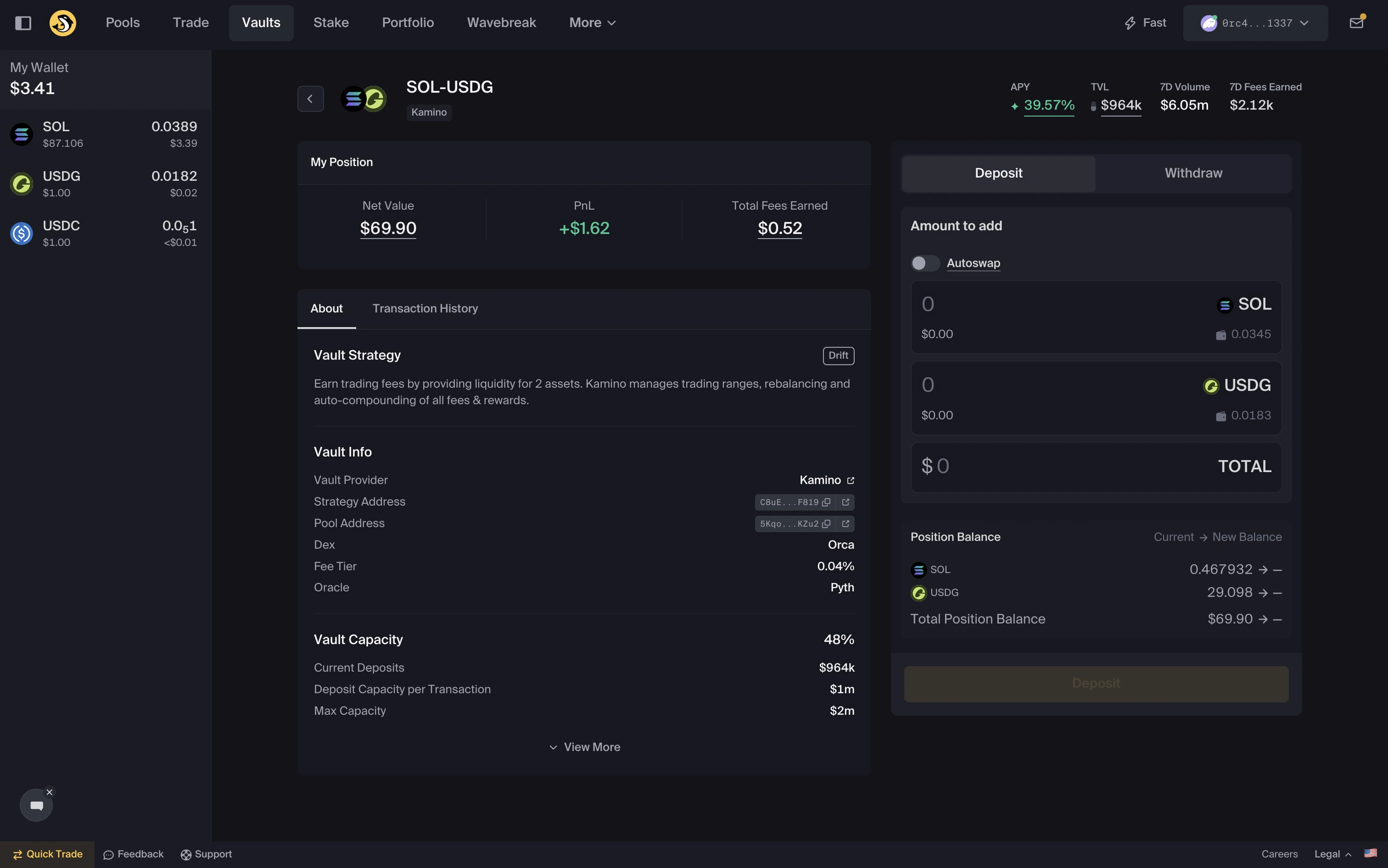
Deposit into a vault
- Navigate to the Vaults page
- Select a Vault
- Select
Deposit - Enter your token amounts
- Confirm the transaction
Choose how to deposit
You can deposit using one or both tokens using the Autoswap toggle: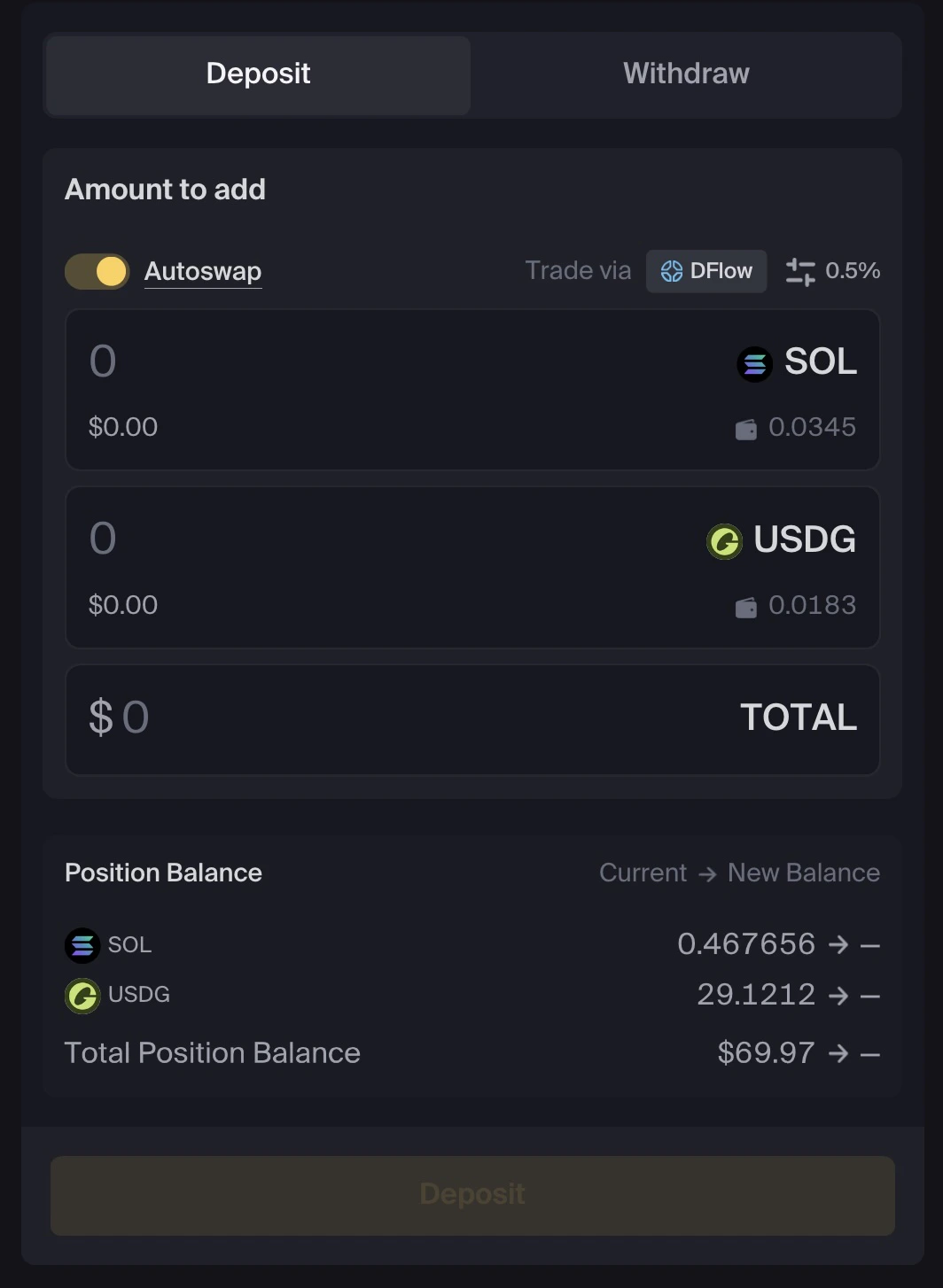
- Enter both token amounts
- Or deposit a single token
What happens after you deposit
After your transaction confirms:- Your position is created
- Capital is allocated by the strategy
- Your position appears in Portfolio
Common issues
Transaction failureNetwork conditions or slippage may result in failures, if they persist please contact support. Position not visible
Wait ~1–2 minutes for data to update. Insufficient balance
Ensure you have enough tokens and SOL for fees.