
Range orders let you set limit-order-style trades that earn fees while waiting to execute. Buy tokens at lower prices or sell at higher prices—automatically.Documentation Index
Fetch the complete documentation index at: https://docs.orca.so/llms.txt
Use this file to discover all available pages before exploring further.
Range orders use Orca’s concentrated liquidity pools. Unlike traditional limit orders that cost fees, you earn trading fees while your order is active.
How Range Orders Work
By creating a single-sided liquidity position outside the current price, you can:- Buy tokens when price drops to your target
- Sell tokens when price rises to your target
- Earn fees as price moves through your range
Buy Limit Order
Deposit stablecoins below current price. When price drops through your range, your stablecoins convert to the target token.
Sell/Take Profit Order
Deposit tokens above current price. When price rises through your range, your tokens convert to stablecoins.
Advantages Over Traditional Limit Orders
| Feature | CLOB Limit Order | Orca Range Order |
|---|---|---|
| Fees | Often pay fees | Earn fees |
| Tax timing | Taxable on execution | Taxable on withdrawal* |
| Partial fills | Yes | Yes (gradual conversion) |
| Price precision | Exact price | Price range |
*Tax treatment varies by jurisdiction. Consult a tax professional for your specific situation.
Limitations to Understand
Creating a Buy Limit Order
Use this when you want to buy tokens at a lower price than current market. Example scenario: SOL is at $160 and you want to buy at $150.Navigate to the pool
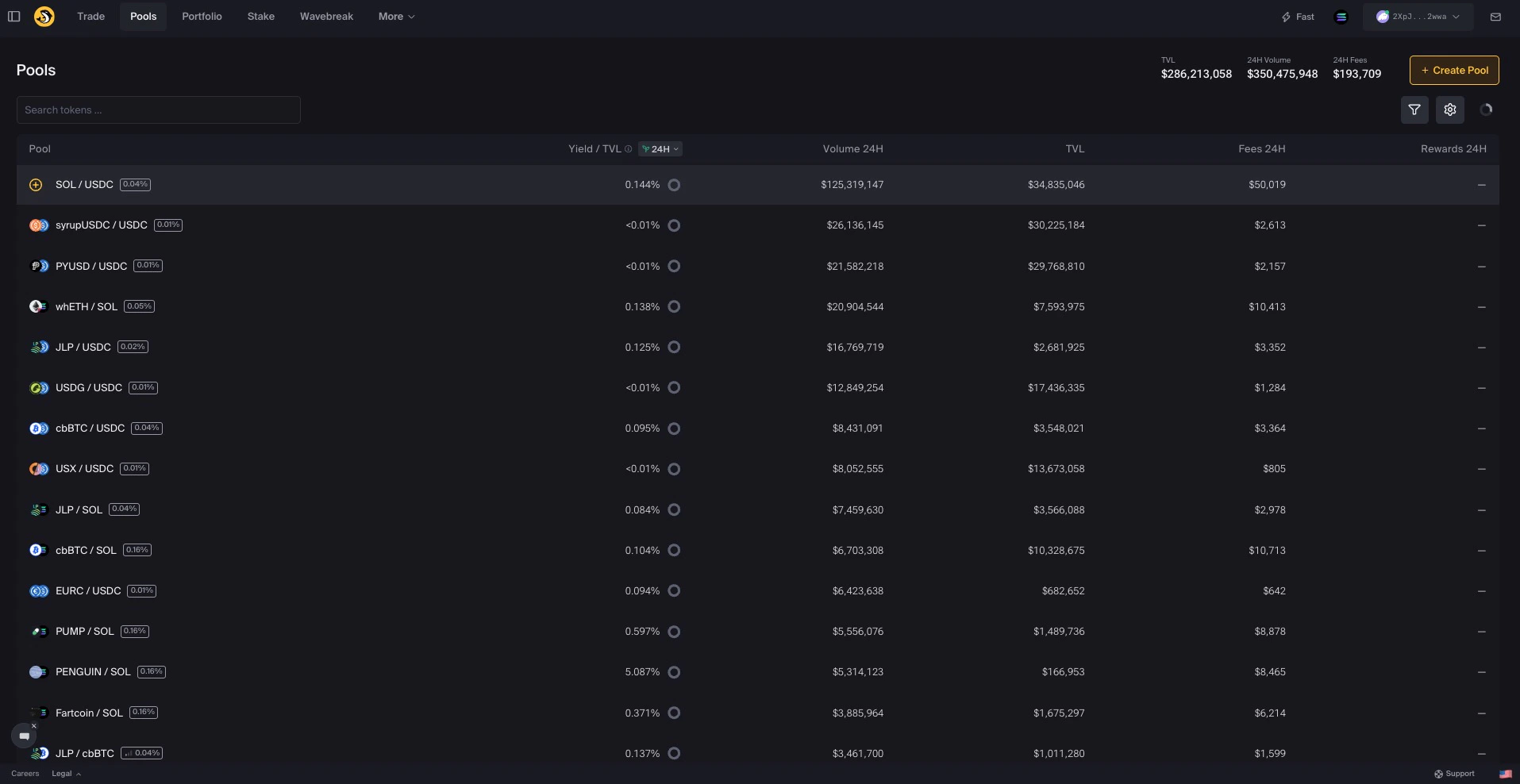
Go to orca.so/pools and find the pool (e.g., SOL/USDC).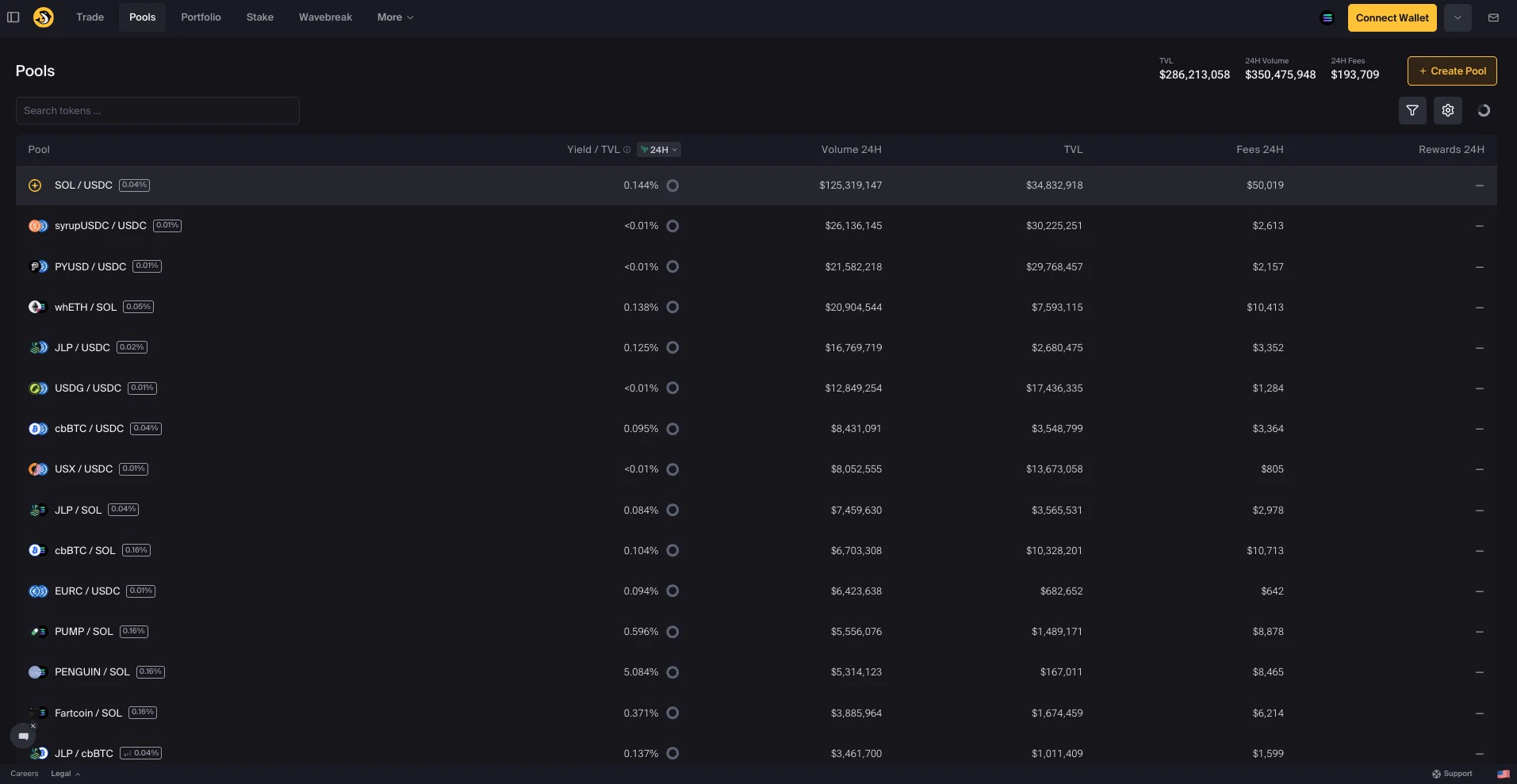
Set your buy range BELOW current price
Set both min and max prices below the current price where you want to buy.Example: To buy SOL around $150:
- Min: $150.00
- Max: $150.02 (tight range for precise entry)
Deposit only the quote token
Enter the amount of USDC (or other stablecoin) you want to use. Since your range is below current price, you’ll only deposit the quote token.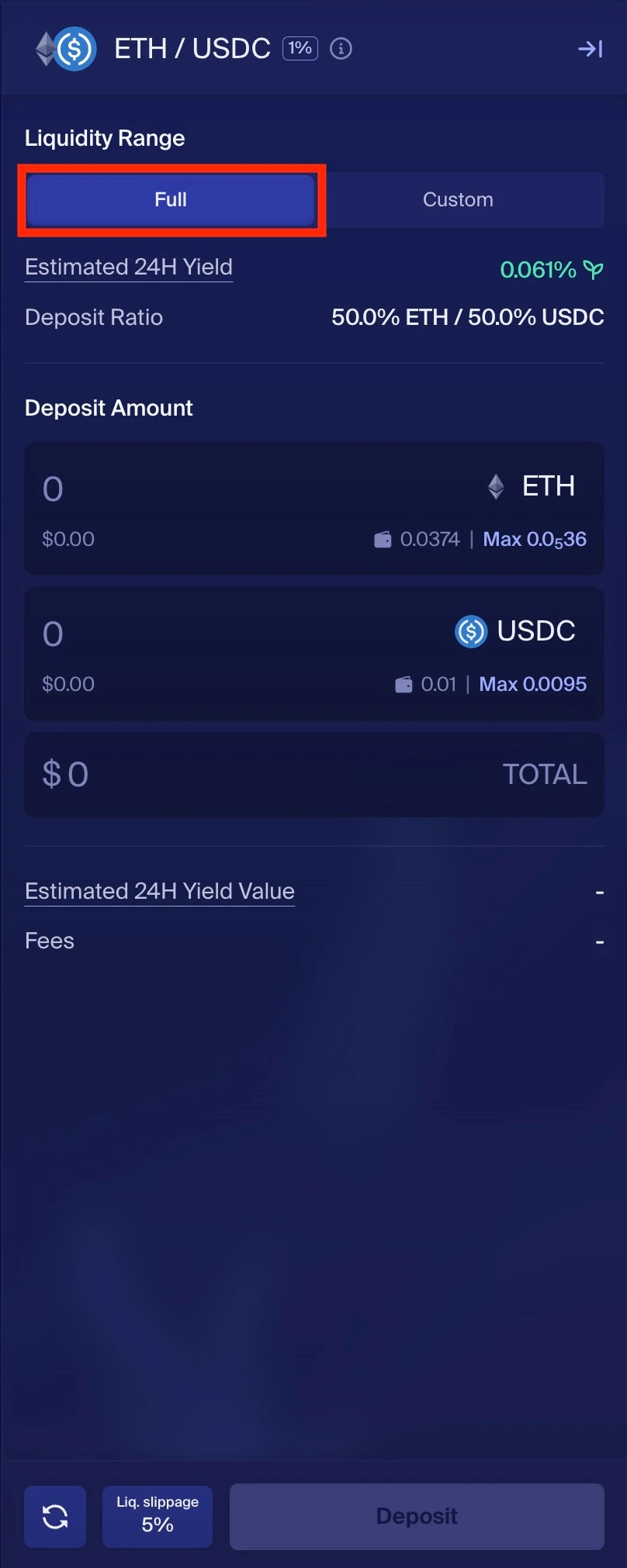
Review and create position
- Verify your range is below current price
- Check the deposit amount
- Click Deposit and approve in your wallet
Wait for price to reach your range
Monitor your position. When price falls through your range, your USDC converts to SOL.
Creating a Sell/Take Profit Order
Use this when you want to sell tokens at a higher price than current market. Example scenario: SOL is at $160 and you want to sell at $170.Navigate to the pool
Go to orca.so/pools and find the pool (e.g., SOL/USDC).
Set your sell range ABOVE current price
Set both min and max prices above the current price where you want to sell.Example: To sell SOL around $170:
- Min: $170.00
- Max: $170.02 (tight range for precise exit)
Deposit only the base token
Enter the amount of SOL you want to sell. Since your range is above current price, you’ll only deposit the base token.
Review and create position
- Verify your range is above current price
- Check the deposit amount
- Click Deposit and approve in your wallet
Wait for price to reach your range
Monitor your position. When price rises through your range, your SOL converts to USDC.
Tight Range vs Wide Range
Tight Range
Pros:
- More precise entry/exit price
- Executes quickly once price reaches range
- Earns fewer fees
- May miss if price doesn’t reach exact level
Wide Range
Pros:
- Earns more fees during price movement
- Catches price over broader range
- Average price less precise
- Takes longer to fully convert
Important Reminders
Always verify pool price matches market
Always verify pool price matches market
Before depositing, ensure the pool’s current price matches wider market values. Depositing to a mispriced pool can result in immediate loss.
Withdraw promptly after execution
Withdraw promptly after execution
If you don’t withdraw after your range order executes, price can reverse and undo your trade. Set alerts or check regularly.
Consider using Alerts
Consider using Alerts
Set up position alerts to get notified when your position moves out of range—signaling your order has executed.
Account for slippage on withdrawal
Account for slippage on withdrawal
When withdrawing, there’s a small slippage tolerance. This is normal and won’t significantly affect your results.
Next Steps
Position Alerts
Get notified when your range order executes
Understanding Slippage
Learn about slippage settings for LP
Beginner's Guide
Full introduction to liquidity provision
Managing Positions
Monitor and manage your positions