
A full-range position spreads your liquidity across all possible prices (0 to infinity). This is the simplest way to provide liquidity on Orca.Documentation Index
Fetch the complete documentation index at: https://docs.orca.so/llms.txt
Use this file to discover all available pages before exploring further.
Pros
- Simple to create and manage
- Always earning fees (never out of range)
- Lower impermanent loss risk
Cons
- Less capital efficient
- Lower potential yields
- Similar to traditional AMM
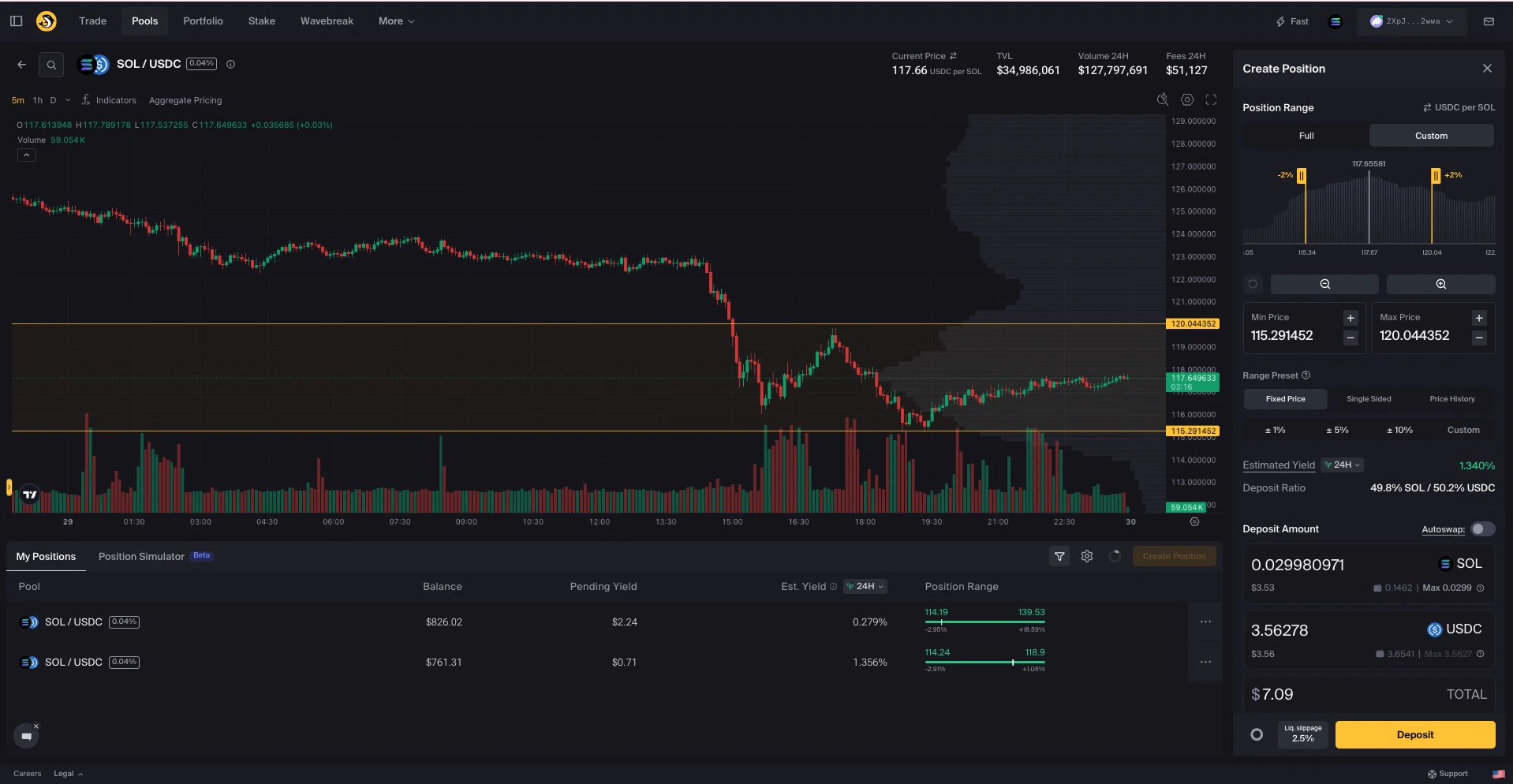
How to Create a Full-Range Position
Navigate to the Pools page
Go to orca.so/pools
Connect your wallet
Click Connect Wallet and ensure both the UI and your wallet are set to the Solana network.
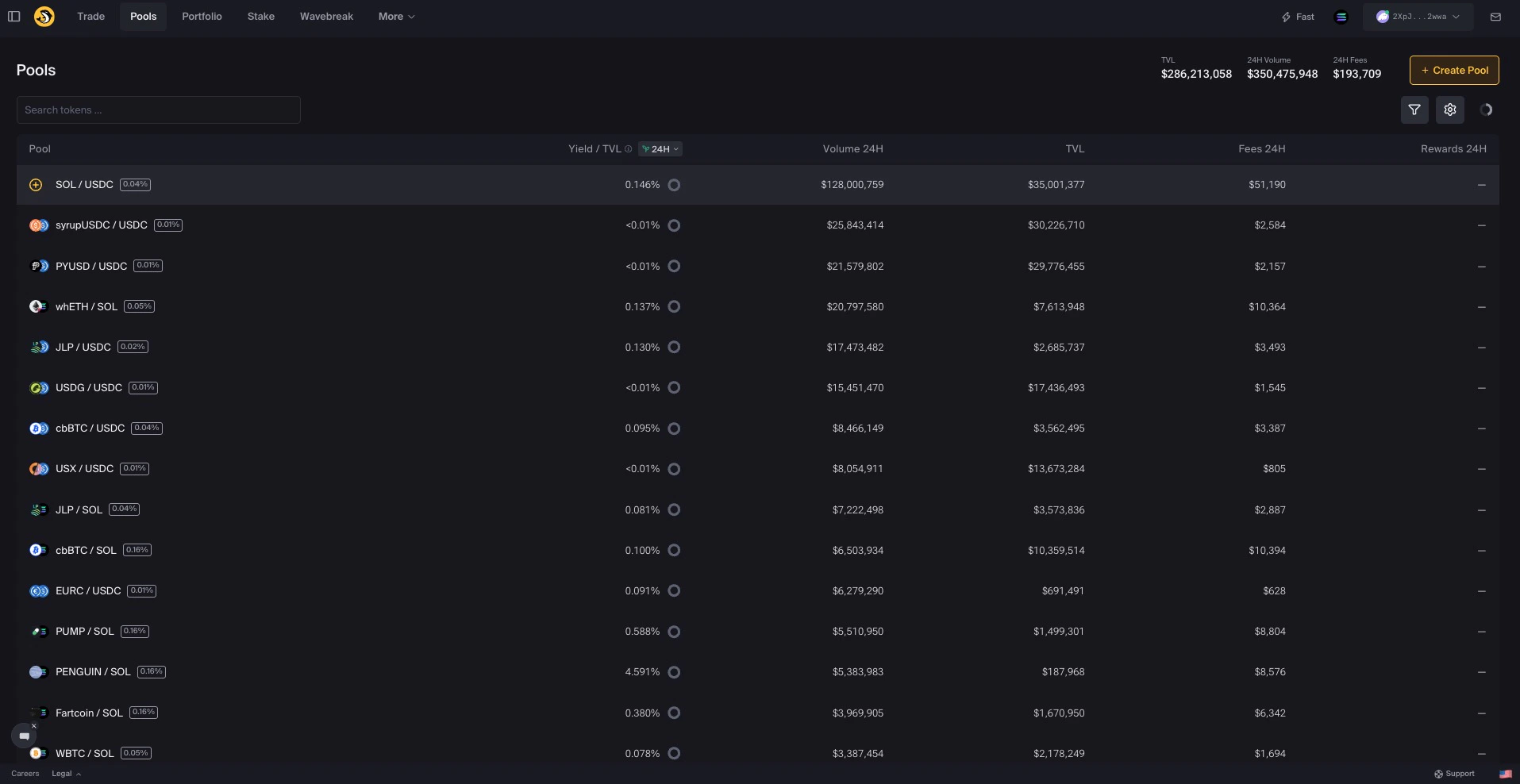
Find your pool
Locate the pool you want to add liquidity to: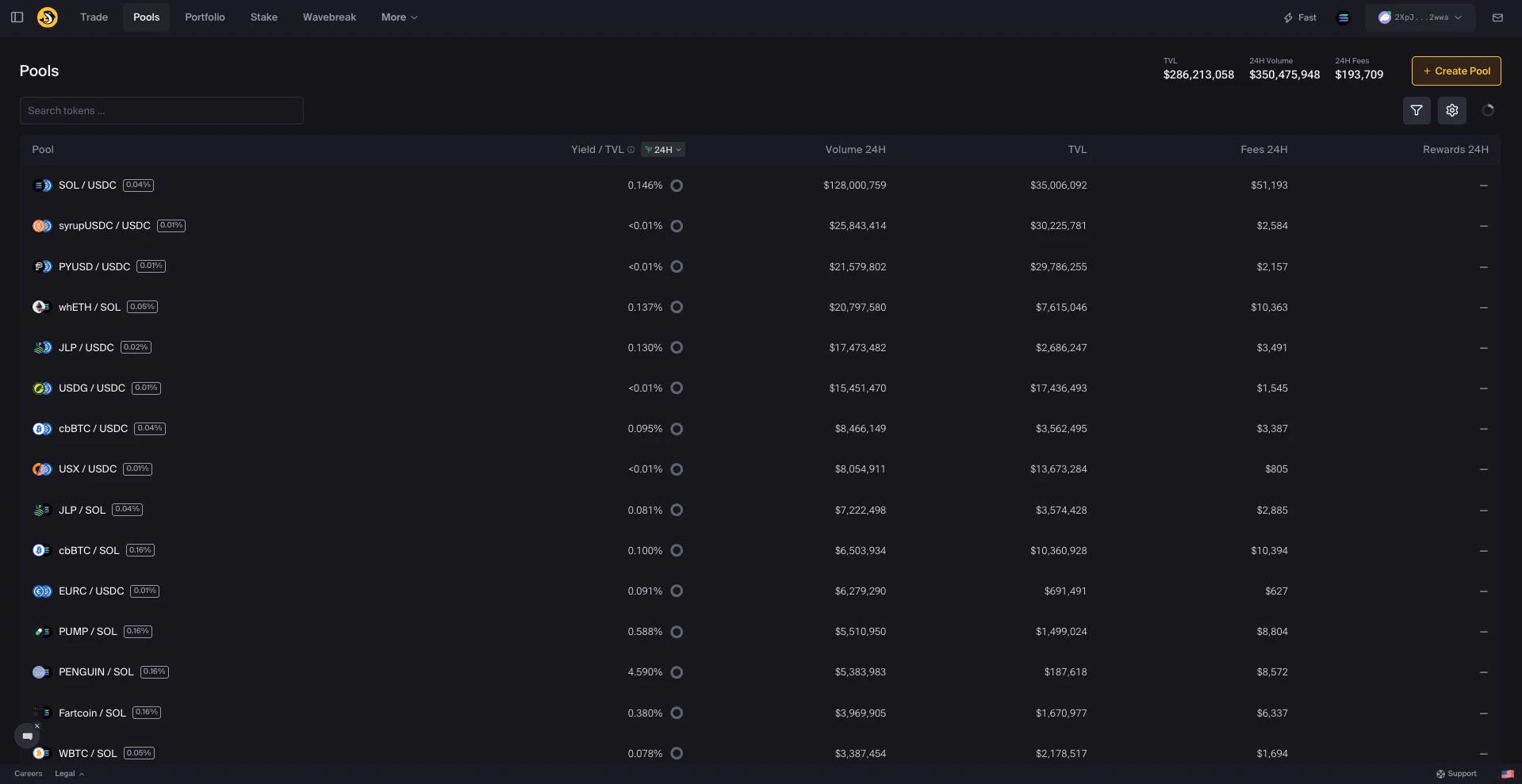
- Browse the pool list, or
- Use the search field to find by token name, ticker, or mint address
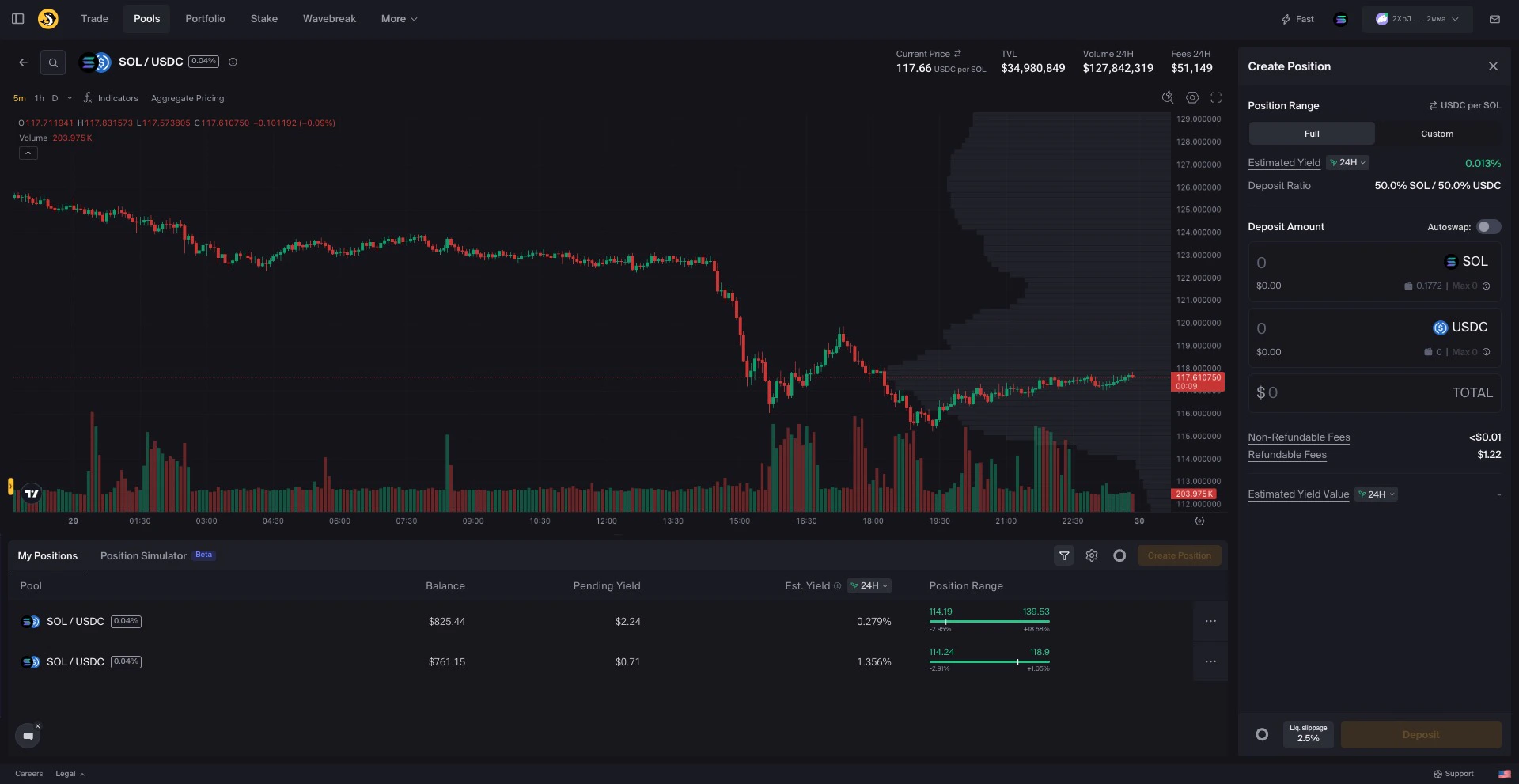
Enter deposit amounts
Enter the amount to deposit in one of the token fields. The other value auto-adjusts to match the required ratio.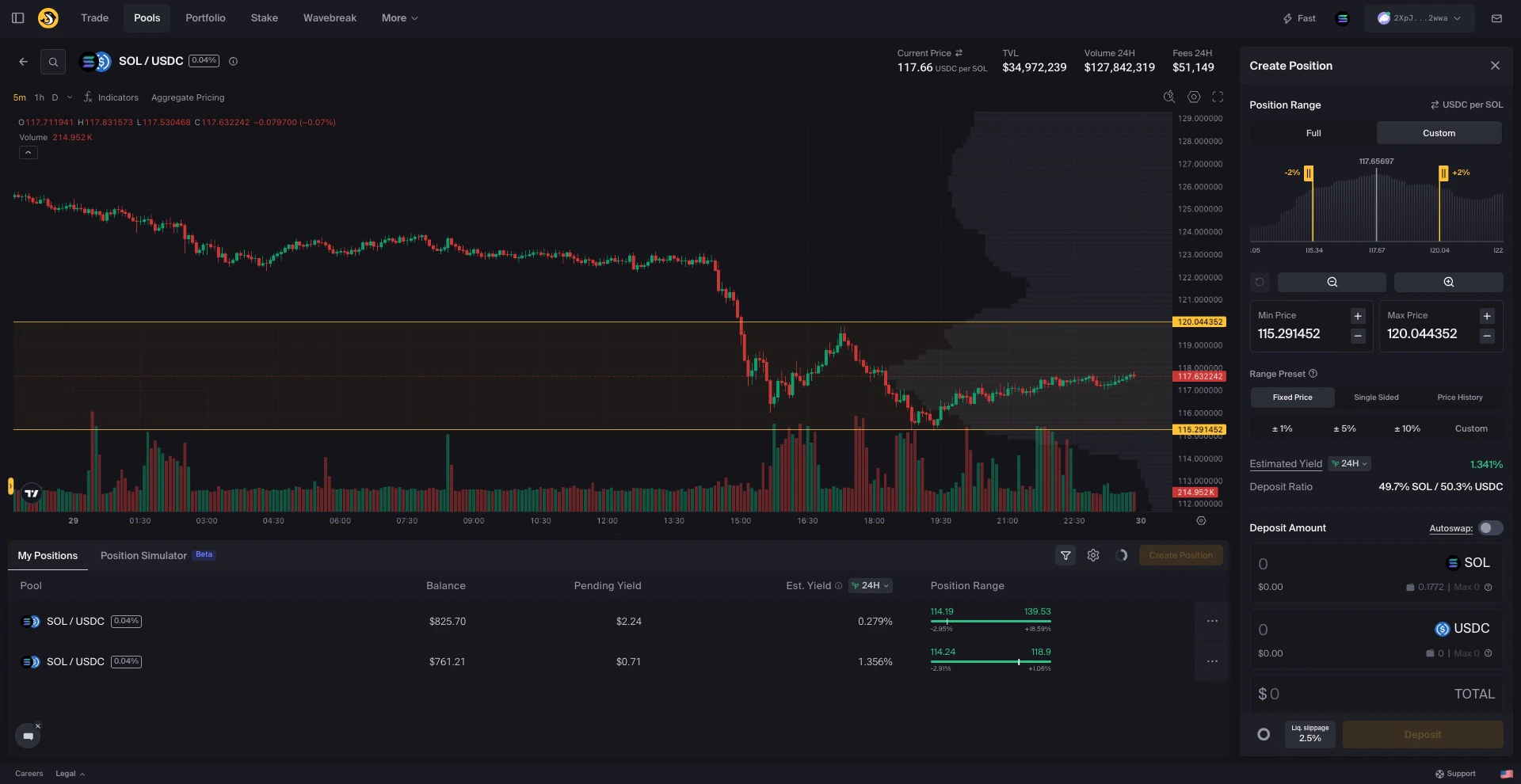
- Type a specific amount
- Click Max to deposit your full wallet balance
- Use Autoswap to automatically balance your token ratio
After Creating Your Position
Your wallet now contains a position NFT representing your liquidity. It displays “DO NOT BURN”.
Next Steps
Manage Your Portfolio
View and manage your positions
Harvest Yield
Collect your earned fees
Custom-Range Position
Try concentrated liquidity for higher yields
Position Alerts
Get notified about your positions