
Increase your position size by depositing additional tokens into an existing liquidity position.Documentation Index
Fetch the complete documentation index at: https://docs.orca.so/llms.txt
Use this file to discover all available pages before exploring further.
How to Add Liquidity
Open the Position Details sidebar
Navigate to your Portfolio and click on the position you want to add liquidity to.See the Position Details Sidebar Guide for a full walkthrough.
Enter deposit amounts
Enter the amount you wish to deposit in one of the token fields.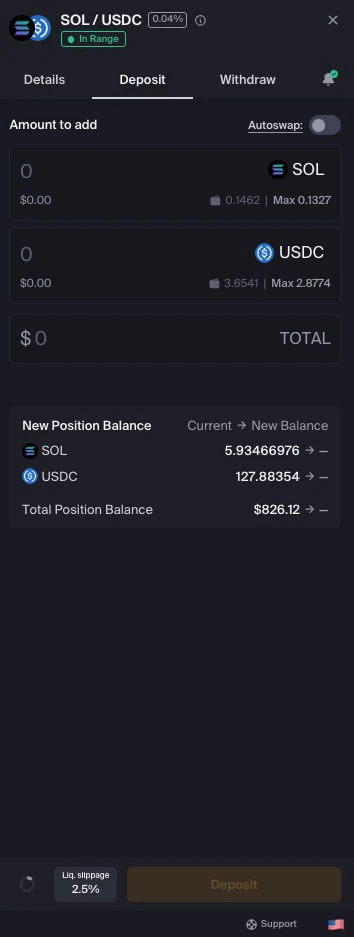
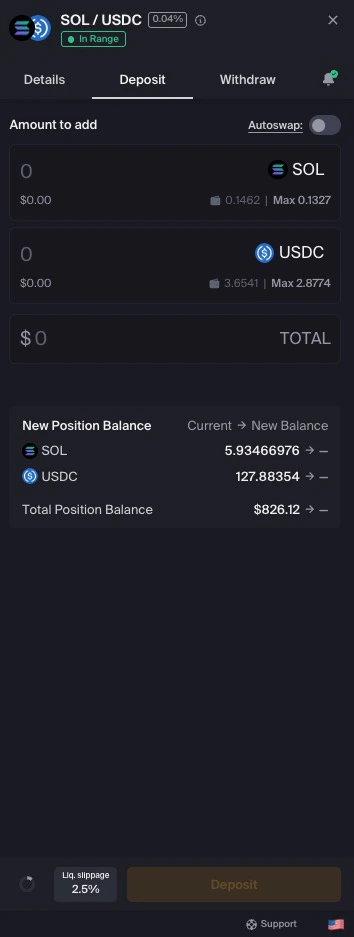
(Optional) Use Autoswap
If you don’t have the right token ratio, Autoswap can help by trading one token for the other to match the required ratio.Enable Autoswap in the deposit interface if available.
(Optional) Adjust liquidity slippage
Click the Liq. slippage button to adjust your slippage tolerance if needed.See Understanding Slippage for more information.
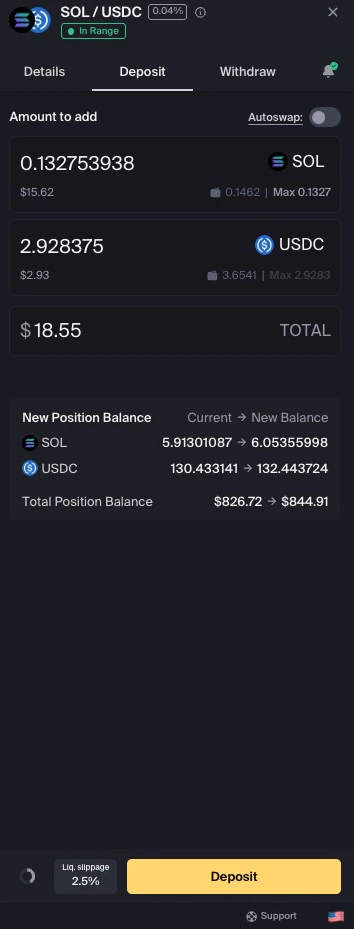
After Depositing
You will not receive a new pool position NFT. Your existing NFT continues to represent the updated position with increased liquidity.
Next Steps
Manage Portfolio
View and manage all your positions
Harvest Yield
Collect your earned fees and rewards
Withdraw Liquidity
Remove liquidity from your position
Position Alerts
Get notified when positions go out of range